Instagram Highlights are easy to underestimate because they sit quietly at the top of a profile. But for niche content creators, Highlights are one of the most strategically useful content assets on the platform. They collect Stories that should live longer than 24 hours, and that makes Highlights a practical middle layer between ephemeral Stories and permanent feed posts — a curated archive that new visitors can browse before they decide whether to follow.
For niche Reels workflows, Instagram Highlights are especially powerful. They let you group thematically related clips, save recurring proof points, and transform one-off Stories into a reusable content library. If you are building around a niche like fitness, food, design, travel, or local services, a well-organized Highlight collection can act like a mini catalog — showing new visitors exactly what you create before they scroll a single feed post.
What Instagram Highlights Are and Why Niche Creators Use Them
An Instagram Highlight is a curated collection of Stories that remains permanently visible on a profile after the original 24-hour Story window has closed. Creators use Highlights for social proof, step-by-step tutorials, product launches, behind-the-scenes content, recurring content series, and evergreen material that deserves a longer shelf life than a standard Story allows. Because Highlights occupy a fixed position at the top of the profile page, they also help new visitors understand an account's focus and value far more quickly than scrolling through a grid of recent posts.
That profile-level stability is especially valuable when you are building around a defined niche. A well-organized Highlight collection can communicate in seconds whether you publish high-protein recipes, review outdoor gear, document travel routes, or teach design fundamentals — guiding new visitors with themed collections that showcase your best work in a controlled, curated order. In this sense, Highlights are not just content storage. They are profile architecture that actively converts profile visits into follows.
How to Decide Which Instagram Highlights Are Worth Saving and Archiving
Not every Highlight deserves the same archiving priority. Start with collections that clearly represent your core niche themes or contain useful source material for future edits. If a Highlight contains a strong tutorial sequence, a detailed product demo, a genuine customer testimonial, or a recurring branded series, it is worth downloading and archiving — because those assets are easy to repurpose into new Reels. If a Highlight is off-topic, outdated, or no longer reflects your current content direction, excluding it keeps your local archive focused and easier to navigate.
A useful decision rule: save anything you would confidently want to reference or repurpose six months from now. That might be a campaign launch recap, a screen-recorded walkthrough tutorial, a behind-the-scenes production sequence, or a narrative Story arc explaining how a project evolved over time. The more your archive reflects the actual recurring themes in your niche, the easier it becomes to turn those saved assets into new Reels and new content series with minimal additional production effort.
Step-by-Step Workflow: Save Instagram Highlights, Edit, and Repost as Reels
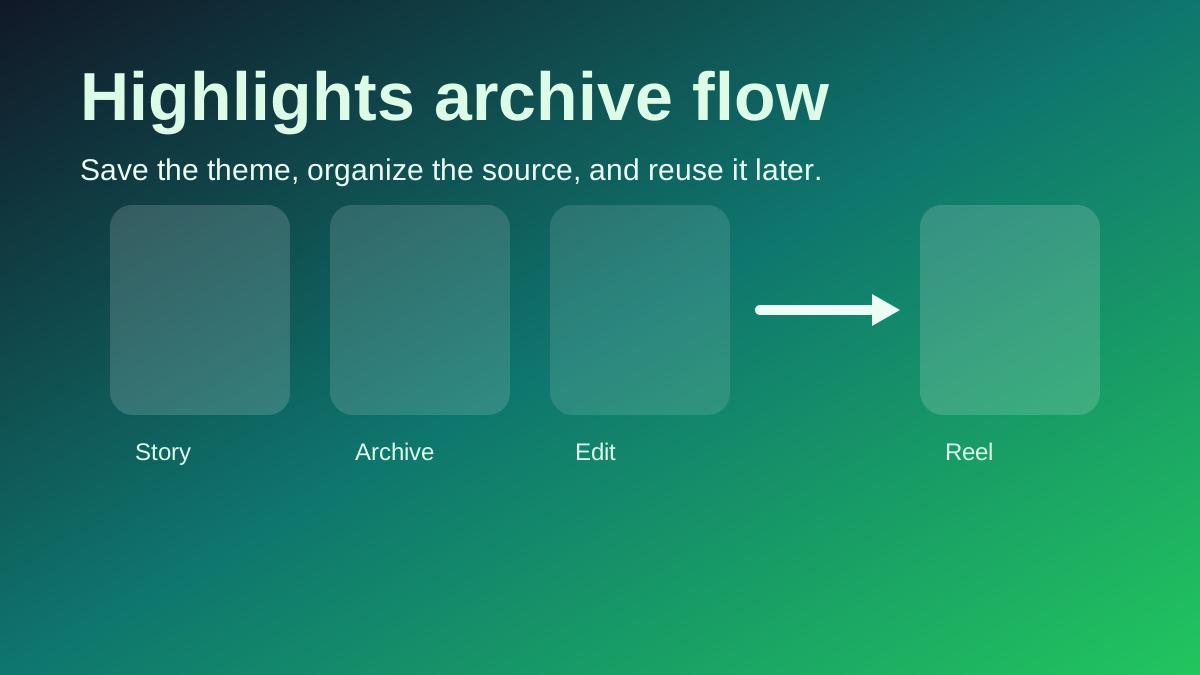
- Download the public Instagram Highlight using GrabReel's Highlights Downloader before it changes, gets archived differently, or disappears from the account.
- Organize all downloaded files into clearly labeled topic folders so you immediately know which clips belong to which niche theme or campaign.
- Review the saved content and identify the strongest moments — the clearest hook, the most useful information, or the most visually compelling sequence.
- Trim the best clips into a new tight vertical edit that fits your next Reel concept — add a stronger opening hook, updated captions, or motion graphics that make the repost feel fresh.
- Export the new edit in 9:16 at 1080 × 1920 and publish it as an Instagram Reel, using the Highlight footage as the high-quality source material.
- Archive the finished Reel version alongside the original Highlight source so the next time you need similar content, you are not building from zero.
This workflow is effective because it creates a compounding content loop. The Highlight provides a stable high-quality source. The edit transforms that source into a fresh Reel with a new hook and updated context. The published Reel drives new viewers back to your profile, where the Highlight collection still lives and continues to work for you. For creators building around recurring niche themes, this loop produces a library of repeatable content formats that becomes faster and more efficient to execute with every cycle.
How to Organize Saved Instagram Highlights Into a Local Folder Structure
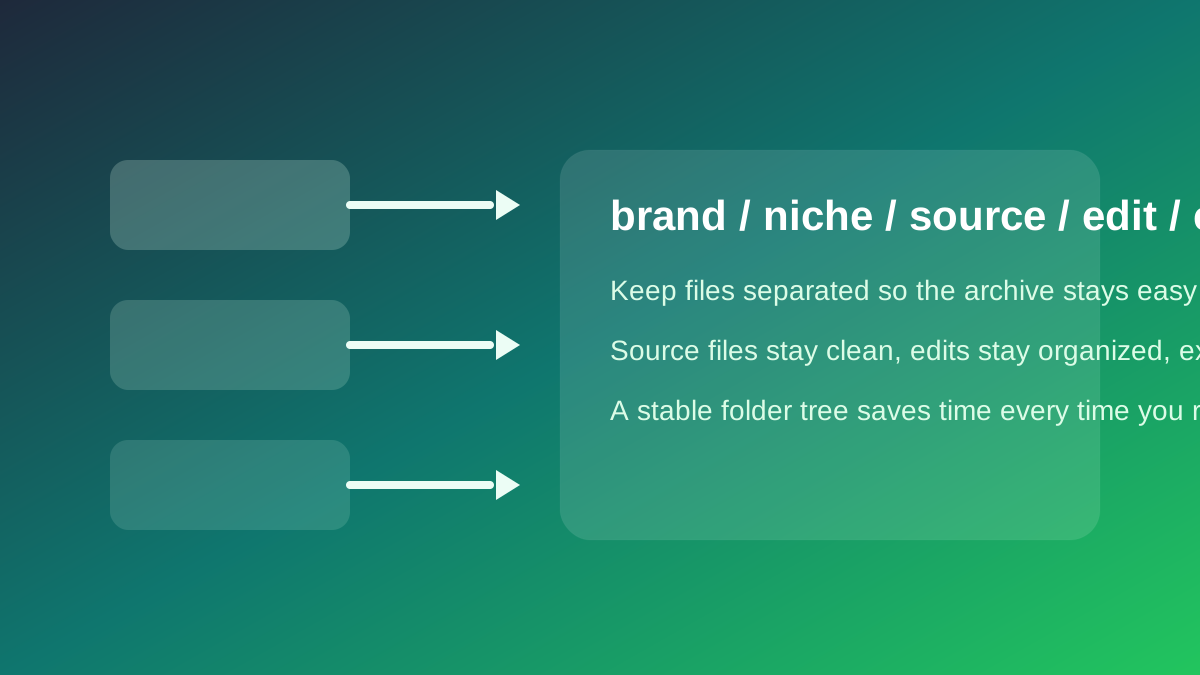
A well-designed local folder system saves more production time than most creators realize. Start with one top-level folder for your brand, account, or client name. Inside that, create separate topic folders reflecting your main content pillars — for example: tutorials, testimonials, product demos, behind-the-scenes, and reference content. Within each topic folder, maintain distinct subfolders for source downloads, edited exports, caption drafts, and thumbnail images. When you return to an idea weeks or months later, every asset is exactly where your future self will look for it.
If you manage content across multiple niches or clients, add a date prefix or campaign label to each folder name to keep the library sortable and searchable. A creator might structure their archive as: brand / niche / source-clips / edited-exports / final-posts. A marketing team might use: client / campaign-name / highlights-source / reels-drafts / published-finals. The exact naming convention matters far less than the consistency of keeping source files, edited drafts, and final published versions in clearly separated locations.
A Recurring Content Planning Workflow Built on Instagram Highlights
When you repeat this save-edit-repost process consistently over time, the archive transforms from passive storage into an active content planning system. You can review an older Highlight, identify the strongest hook or most useful section, cut it into a new Reel format, and then use the caption and comments on that Reel to drive viewers back to the themed Highlight that still lives on your profile. That creates a self-reinforcing discovery loop — especially valuable for niches where audiences want to see proof, sequential tutorials, or a series of related steps before they commit to following or purchasing.
This approach is also the most practical way to maintain content consistency without becoming repetitive. A saved Highlight can feed a Reel, a Reel can be restructured as a carousel, and a carousel can include a call-to-action pointing back to the original Highlight for more depth. Each format serves a different viewer intent and consumption behavior, but they all originate from the same organized source collection. Once that collection is properly structured and labeled, the downstream production work becomes measurably faster.
How Content Pillars Make Your Instagram Highlights Archive More Useful
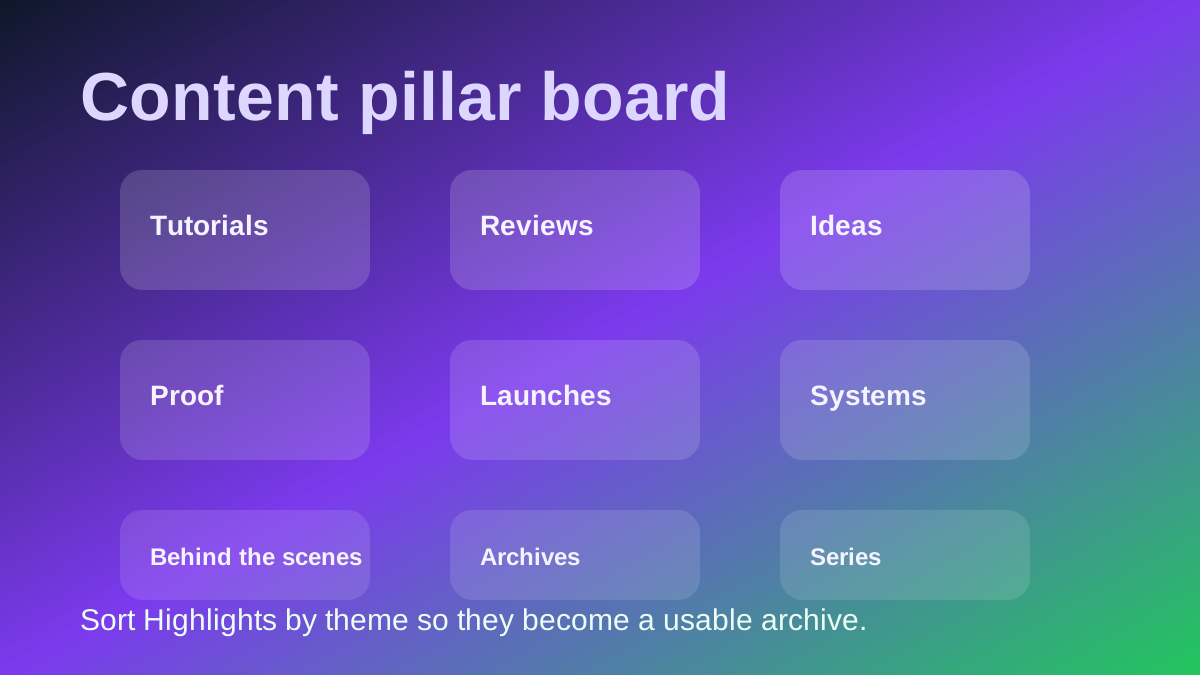
The most effective way to keep a Highlight archive consistently useful is to sort and label it by theme rather than by date alone. A tutorial pillar might contain step-by-step instructional content from your best performing educational Stories. A proof pillar might hold testimonials, documented results, transformation clips, or case study content. A behind-the-scenes pillar might contain production process clips and candid creative moments. When you search the archive for your next Reel idea, each pillar gives you a smaller, much more focused and predictable pool of source material.
That thematic structure also dramatically accelerates content repurposing. When you know a saved clip belongs to your tutorial pillar, you already understand the appropriate hook style, caption tone, and natural Reel format for that piece. If it belongs to your proof pillar, you know it may work more effectively as a short quote card, a results-focused Reel, or a before-and-after comparison format. The archive becomes more useful as a production tool specifically because the thematic labels are applied before you begin editing.

Tools Used at Each Step of the Instagram Highlights to Reels Workflow
GrabReel's Highlights Downloader is the essential first step because it gives you the clean archive copy of public Highlight content to work from. After downloading, a mobile or desktop video editor — CapCut for quick mobile workflows, Premiere Pro for precise control, or DaVinci Resolve for professional color grading — can transform those source clips into a fresh Reel with a stronger hook, updated subtitles, and a more polished opening sequence. When the same account has also published content publicly as a Reel and you want that specific original format rather than a screen-recorded version, GrabReel's Reels Downloader provides the highest available quality source file.
Use GrabReel's Highlights Downloader to save your content archive first, then use GrabReel's Reels Downloader when you want the original published Reel format before re-editing or repurposing it for another platform or campaign.
Conclusion: Using Instagram Highlights as a Niche Content Engine
Instagram Highlights are far more than a place to store old Stories. They are a proven content planning surface, an organized brand archive, and a high-quality source library for new Reels whenever you want to produce content efficiently within a defined niche. Saving them systematically, organizing them into a logical local folder structure with clear thematic labels, and extracting the strongest moments back into new vertical video creates a content workflow that is faster, more repeatable, and significantly easier to scale than inventing every new post from scratch with no source material to build from.