It was past midnight when the notification hit. BTS had just dropped a surprise Instagram Story — behind-the-scenes footage from a rehearsal that clearly wasn't meant to be polished, just raw and real. Within minutes, ARMY fan accounts were screenshotting, screen-recording, and posting it everywhere. By the time most fans in Western time zones woke up the next morning, the Story was gone. Just like that. Twenty-four hours, and it vanished.
If you've been part of ARMY for more than a week, you already know this feeling. BTS doesn't follow a content calendar the way brands do. They post when they feel like it — a quick Reel from the studio, a Story from a hotel room in a new city, a Highlight that gets quietly deleted three weeks later when a member wants to refresh their profile. The content is personal, unpredictable, and irreplaceable. And Instagram's architecture is not built for people who care deeply about preserving it.
This guide is for fans who are done losing content. We'll cover exactly what expires, what doesn't, and how to download BTS Instagram Reels, Stories, and Highlights in full HD — no watermark, no third-party app to install, and no technical skills required. If you've been relying on screen-recording or screenshot stitching, you're working too hard for worse results. There's a better way.
Why BTS Instagram Content Disappears (And Why It Hurts Every Time)
Let's be honest about Instagram's content lifecycle, because most fans don't think about it until they've already lost something they cared about. Instagram has four main content types, and each one behaves differently when it comes to permanence.
Feed posts — the standard photos and carousels — stay up indefinitely unless the creator manually deletes them. These are the safest content type. But even feed posts can disappear without warning if a member decides to wipe their grid or if Instagram takes action on the account. It has happened before.
Reels are generally treated like feed posts. They live on the profile until deleted. But here's the problem: BTS members have deleted Reels before — sometimes hours after posting, sometimes days later. Once it's deleted, it's gone from Instagram entirely. Even if you saved it to your 'Saved' collection inside Instagram, you can't download it from there. That save feature is just a bookmark, not a backup.
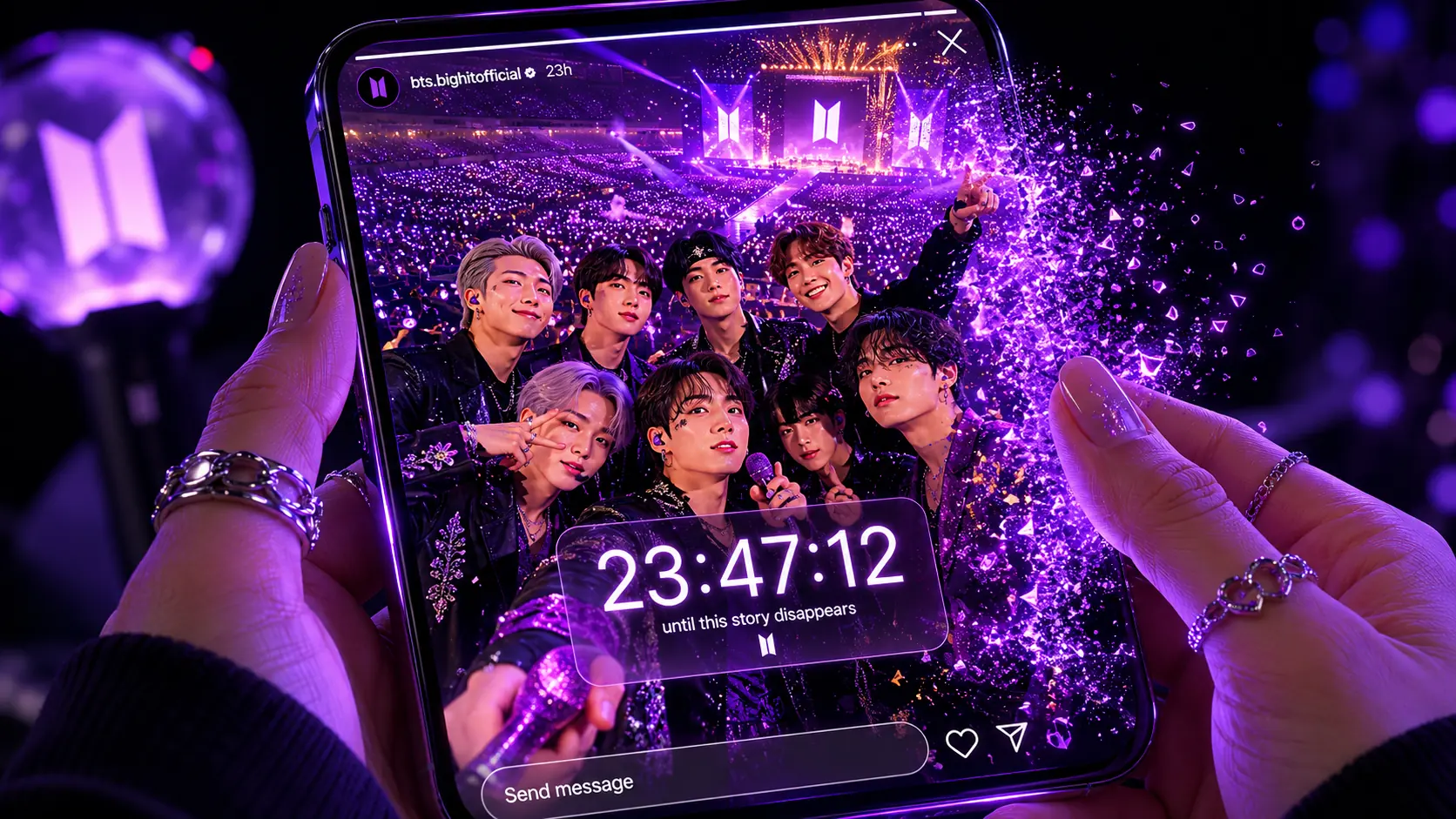
Stories are the most urgent problem. They expire exactly 24 hours after posting with zero exceptions. There's no grace period, no archive notification, nothing. If a BTS member posts a Story at 11:47 PM on a Tuesday, it's gone by 11:47 PM on Wednesday. For fans in opposite time zones, that window can be while they're asleep, at work, or in school.
The Problem With Screen Recording (And Why Fans Keep Doing It Anyway)
Screen recording is the default solution most fans land on, and it makes sense — it's built into every phone, it works on everything, and it requires zero setup. But the output quality is genuinely bad, and most fans don't realize how bad until they try to watch the saved video on a bigger screen or include it in an edit.
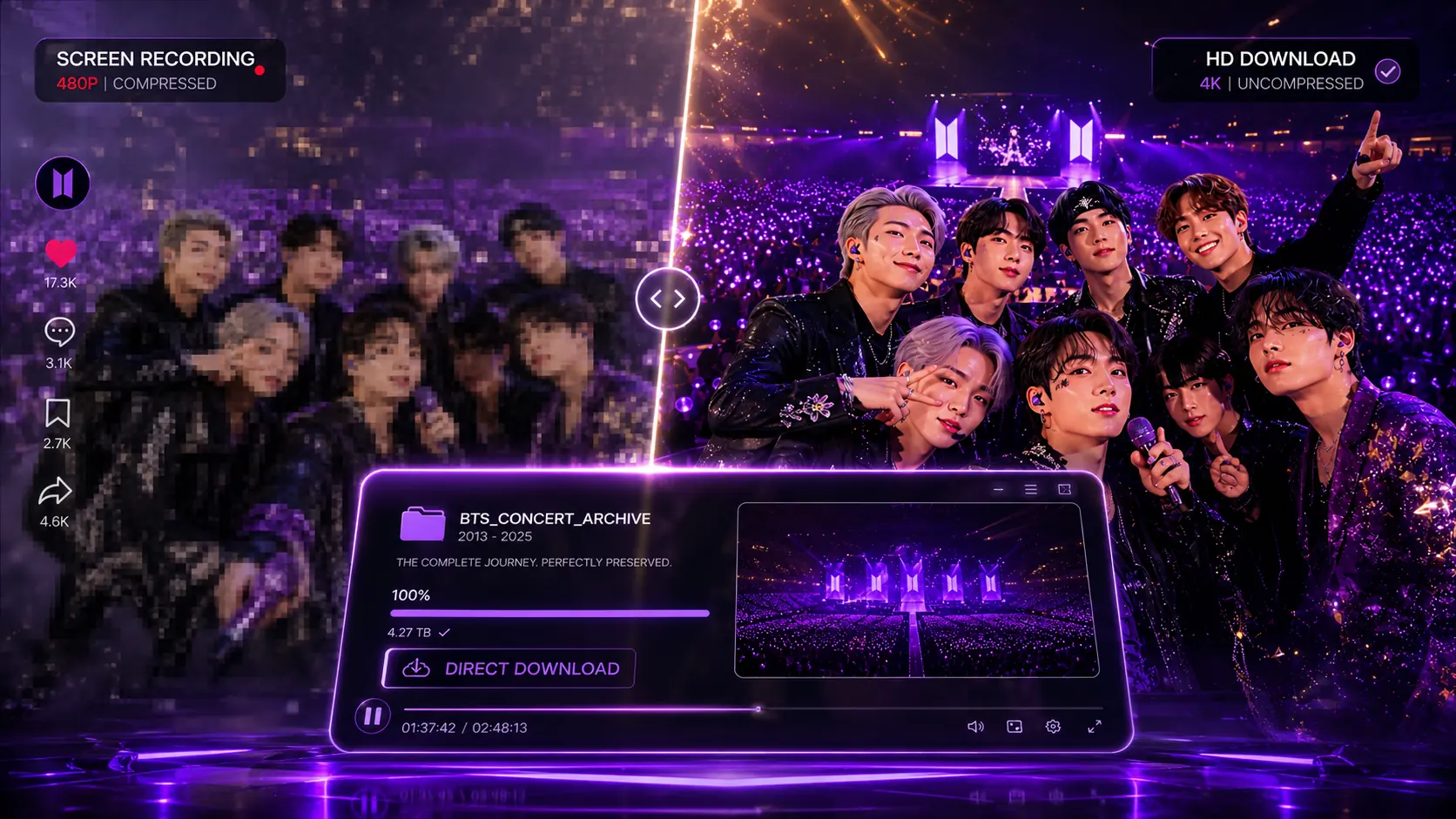
When you screen record a Reel or Story, you're capturing a compressed stream that Instagram is already delivering at reduced quality. You're then adding another layer of compression on top by recording your screen. You also capture the UI — the timestamp, the username bar, the like button — unless you carefully hide it all first. And on Stories especially, there's a notification sent to the creator that you've taken a screenshot, which is a whole other conversation.
The result is a video that looks fine on your phone but falls apart when you try to zoom in, share it to a larger screen, or use it in any kind of edit. It's a lossy, layered copy of something that should have been saved in full resolution. Dedicated ARMY archivists — the fans who run archive accounts and maintain organized drives going back years — never use screen recording for anything they want to keep properly. They use direct download tools, and they've been doing it for years.
How to Download BTS Instagram Reels, Stories, and Highlights Using GrabReel
GrabReel is a browser-based downloader — meaning you don't install anything. No app on your phone, no browser extension, no software on your computer. You open it in whatever browser you're already using, paste a link, and download. That's it. Here's exactly how it works for each content type.
Downloading BTS Reels
- Open Instagram — either the app on your phone or instagram.com in a browser — and navigate to the BTS Reel you want to save.
- Tap the three-dot menu (⋯) on the Reel and select 'Copy Link.' On desktop, right-click the Reel and copy the URL directly from your address bar.
- Open GrabReel in a new tab and paste the link into the download field.
- Hit the download button. GrabReel will fetch the original source file from Instagram and present you with a download option.
- Save the file. It will download as an MP4 in the original resolution — typically 1080p for recent BTS content — with no watermark and no GrabReel branding added.
The whole process takes under 60 seconds once you've done it once. The key difference from screen recording: you're downloading the actual source file, not a recording of a stream. The quality is as good as what BTS or their team uploaded.
Downloading BTS Stories (Before They Expire)
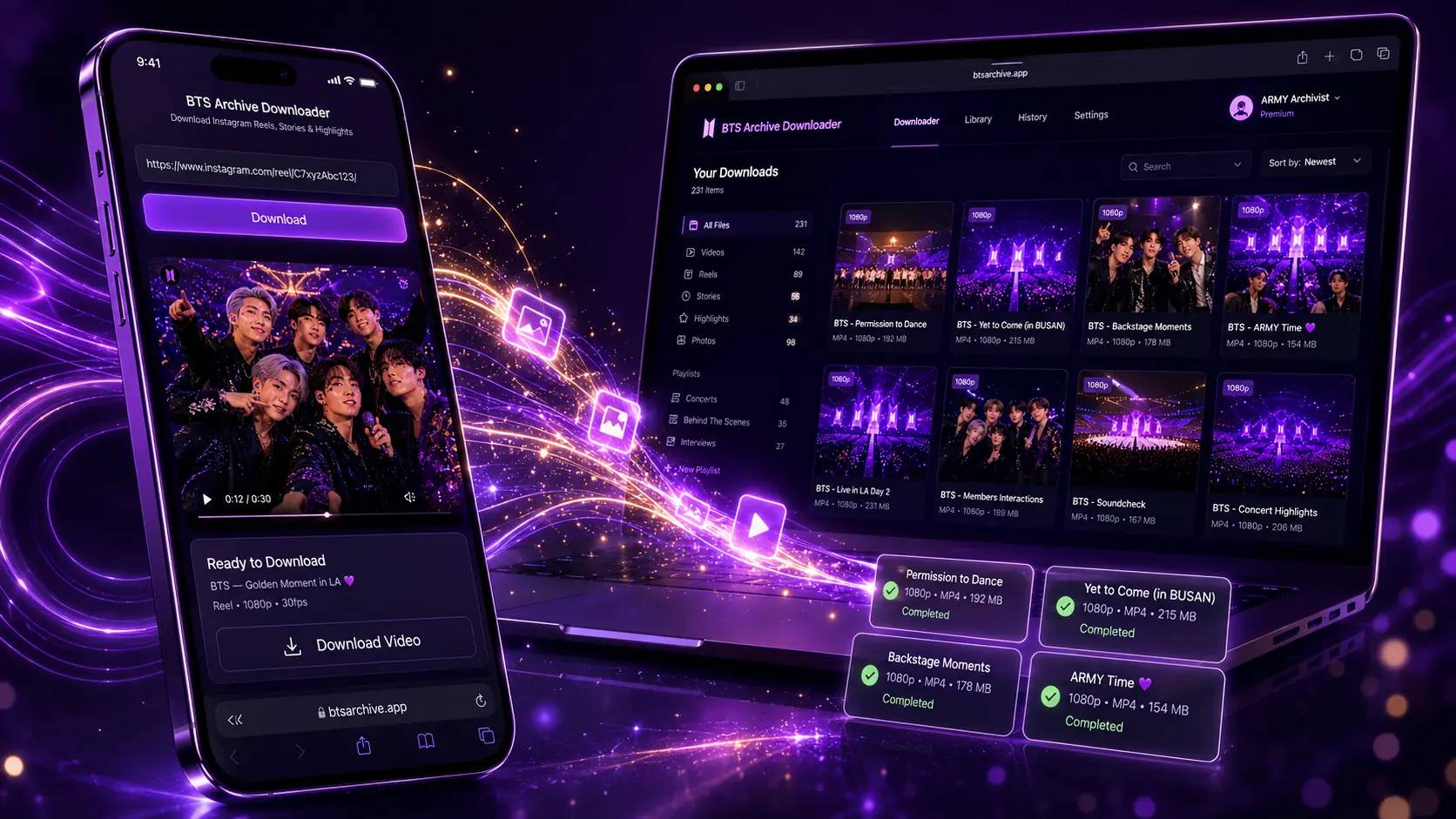
Stories require a bit more urgency in the workflow, but the process is the same. Open the Story on Instagram. Tap the three-dot menu on the Story and select 'Copy Link' — or on the Instagram website, copy the URL from your address bar while the Story is open. Paste that link into GrabReel and download. The file saves as either an MP4 (for video Stories) or a JPEG (for photo Stories) at the original upload quality.
One practical tip: if you're in a time zone where BTS tends to post during your sleeping hours, set a phone notification for BTS account activity using Instagram's 'Following' notification settings. Turn on 'Stories' specifically. This way you get alerted the moment something posts and you have the full 24-hour window to save it — rather than discovering it 20 hours later with only 4 hours left.
Downloading BTS Highlights
Highlights are saved sets of Stories that a creator has pinned to their profile. Downloading individual clips from a Highlight works the same way — open the clip, copy its specific link, and paste into GrabReel. If you want to archive an entire Highlight album, you'll need to go through it clip by clip, since each Story within a Highlight has its own URL. For long Highlights with 20–30+ clips, this takes some time, but it's worth doing for content you want to preserve completely.
Building a Real BTS Archive: How Dedicated ARMY Actually Organize Their Files
Downloading content is only half the work. If you just let files pile up in your Downloads folder with names like 'Instagram_Reel_20260527_A3k92p.mp4,' you're creating a mess that's impossible to navigate six months from now. Here's the folder structure that experienced ARMY archivists actually use.
Start with a top-level folder called 'BTS Instagram Archive' or whatever you want to name it. Inside that, create two main subfolders: one for Group content (anything posted from the official BTS or BIGHIT account) and one for Individual Members (with a subfolder for each of the seven members by name).
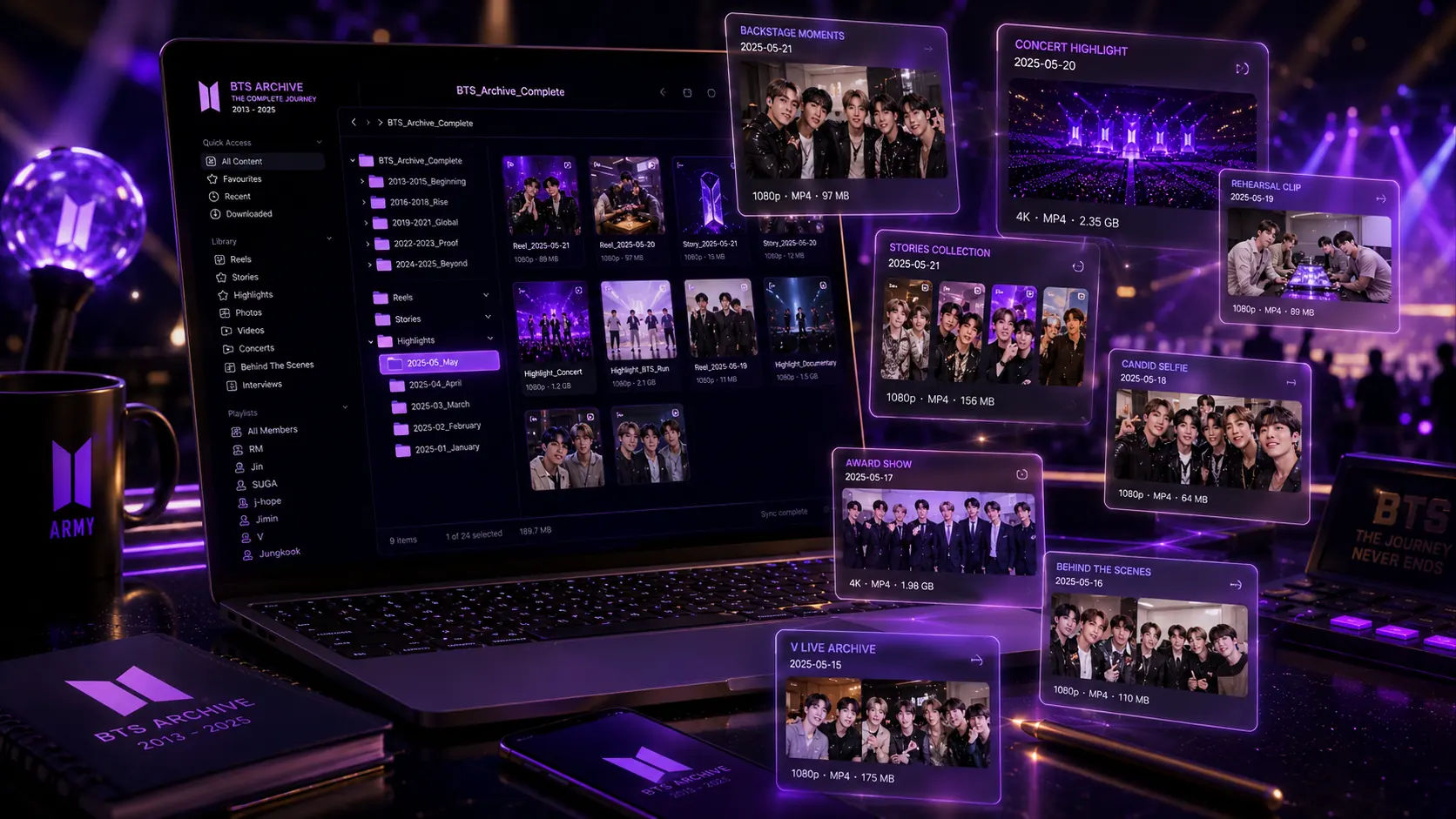
Inside each member's folder, create three subfolders: Reels, Stories, and Highlights. Within each of those, name your files using the format YYYY-MM-DD followed by a brief description. For example: '2026-05-27_rehearsal-backstage-clip.mp4' or '2026-05-27_birthday-story-jungkook.jpg.' The YYYY-MM-DD date format is critical — it sorts chronologically automatically in every operating system, so your archive will always be in order.
For serious archivists, adding a text file inside each folder that notes the context — what era or comeback the content is from, what event was happening, whether the content was later deleted — turns a file collection into a real historical archive. Some ARMY fan archivists maintain spreadsheets alongside their folders that log every piece of content with dates, descriptions, and notes on whether it's still live on Instagram or has since been deleted. This level of documentation is what separates a backup drive from an actual archive.
What to Do When You Miss a Story (Recovering Lost Content)
Even with notifications enabled, you're going to miss content sometimes. Life happens. Here's what to do when you realize a Story has expired before you saved it.
The first place to check is fan archive accounts on Twitter and Instagram. These accounts exist specifically to repost and preserve BTS content, and many of them are so fast that they archive Stories within minutes of posting. Search for the member's name plus 'archive' or 'update' — accounts like these are maintained by fans who have built their own systems for exactly this purpose.
The second place to check is large ARMY Discord servers and fan communities. These communities often have dedicated archiving channels where members post saved content immediately. If the Story was posted during peak waking hours in any major time zone, there's a high probability someone captured it.
If the content was a Reel or feed post that got deleted rather than a Story that expired, the fan archive community is still your best resource. Some fans run what are essentially mirrors — they download content in real time as it posts and upload it to their own platforms or drives. Finding these accounts and communities is worth the effort if archiving BTS content is something you take seriously.
Is It Legal to Download BTS Instagram Content?
This is the question fans ask most often, and the honest answer requires some nuance. Saving public Instagram content for personal, private use — to watch offline, to keep in your personal archive, to revisit content that was later deleted — is something hundreds of millions of people do and is not something Instagram or creators have pursued legally against fans. It is explicitly different from downloading content to redistribute it commercially, monetize it, or pass it off as your own.
The ARMY community has developed a broadly understood set of norms around this: save for personal archiving and fan community use, credit creators when reposting publicly, and never monetize content that belongs to BTS or BIGHIT. GrabReel only processes public content — it cannot access private accounts or content that requires a login to view. That's an important distinction: the tool respects the privacy settings that creators and Instagram have put in place.
If you're building a fan archive that you share with others, the community standard is to be transparent about sourcing and to take content down if the creator ever requests it. In practice, BTS and BIGHIT have been notably supportive of fan culture in ways that many other entertainment companies are not. But good fan behavior — crediting, not monetizing, respecting takedown requests — is still the baseline expectation.
Quick Reference: Common Problems and How to Fix Them
The link isn't working in GrabReel. Make sure you're copying the link correctly — on mobile, use the 'Copy Link' option from the three-dot menu rather than copying the URL from your browser's address bar while in the Instagram app. The in-app browser doesn't always give you the correct shareable URL.
The Story link isn't working. Stories have URLs that are only accessible while the Story is live. If the Story has already expired, the link will no longer load even in GrabReel. You need to grab the link while the content is still up — this is another reason why the moment you see a BTS Story worth saving, you should copy the link immediately rather than planning to do it later.
The video quality looks lower than expected. Check whether the original post was uploaded in lower quality — older content on Instagram, or content uploaded on a slow connection, may genuinely be lower resolution at the source. GrabReel delivers the source file quality, which means it can't improve quality that wasn't there to begin with. For recent BTS content from 2024 onward, 1080p is standard.
The file name is unrecognizable. Instagram source files often have long, auto-generated filenames. Rename them immediately after downloading using the YYYY-MM-DD format mentioned above. Building the renaming habit into your download workflow — download, rename, move to folder — takes 30 extra seconds and saves you enormous confusion later.
The Bigger Picture: Why ARMY Archives Matter
It's worth saying plainly: the fan archive community is doing something that has genuine cultural value. The informal, personal moments that BTS shares on Instagram — the unguarded stuff, the in-between-shows content, the late-night studio footage — is a different kind of primary source than official music videos or concert films. It's the texture of what this era actually felt like for the people living it.
Official archiving of social media content is inconsistent and unreliable. Platforms change their policies, accounts get restricted, entire platforms collapse. The distributed nature of ARMY archiving — thousands of individual fans each preserving pieces of the content they care about most — is genuinely more resilient than relying on any single official source.
So when you download a BTS Story before it expires or build a proper organized archive of Reels from a particular era, you're not just doing something for yourself. You're contributing to a living record of a moment in pop culture that a lot of people care deeply about. That's not a small thing.
FAQ
Can I download BTS content if I don't follow them? Yes. GrabReel works on any public Instagram content regardless of whether you follow the account.
Does GrabReel add a watermark to downloads? No. Files downloaded through GrabReel are clean source files with no added watermark or branding.
Can I use GrabReel on my phone without downloading an app? Yes — GrabReel is entirely browser-based. Open it in Safari, Chrome, or any browser on your phone and it works exactly the same as on desktop.
What happens if I try to download a BTS Story that already expired? GrabReel will not be able to retrieve it — once a Story's 24-hour window has passed, it's gone from Instagram's servers entirely. This is why catching it before it expires is critical.
Can I download from private BTS fan accounts? No. GrabReel only processes publicly accessible content. Content behind a private account requires approval from the account owner and is not accessible.
BTS content moves fast. Don't wait until a Story is already gone. Start saving your archive with GrabReel now →